Getting started
Get started with Catertoo
Sign up, get your bearings on the dashboard, and take your first steps — build a menu, add clients, and send a proposal.
Last updated May 25, 2026
Your account and workspace
When you sign up, Catertoo creates your account and your workspace together. You land on your admin dashboard — there's no setup wizard to wade through, so you can start right away.
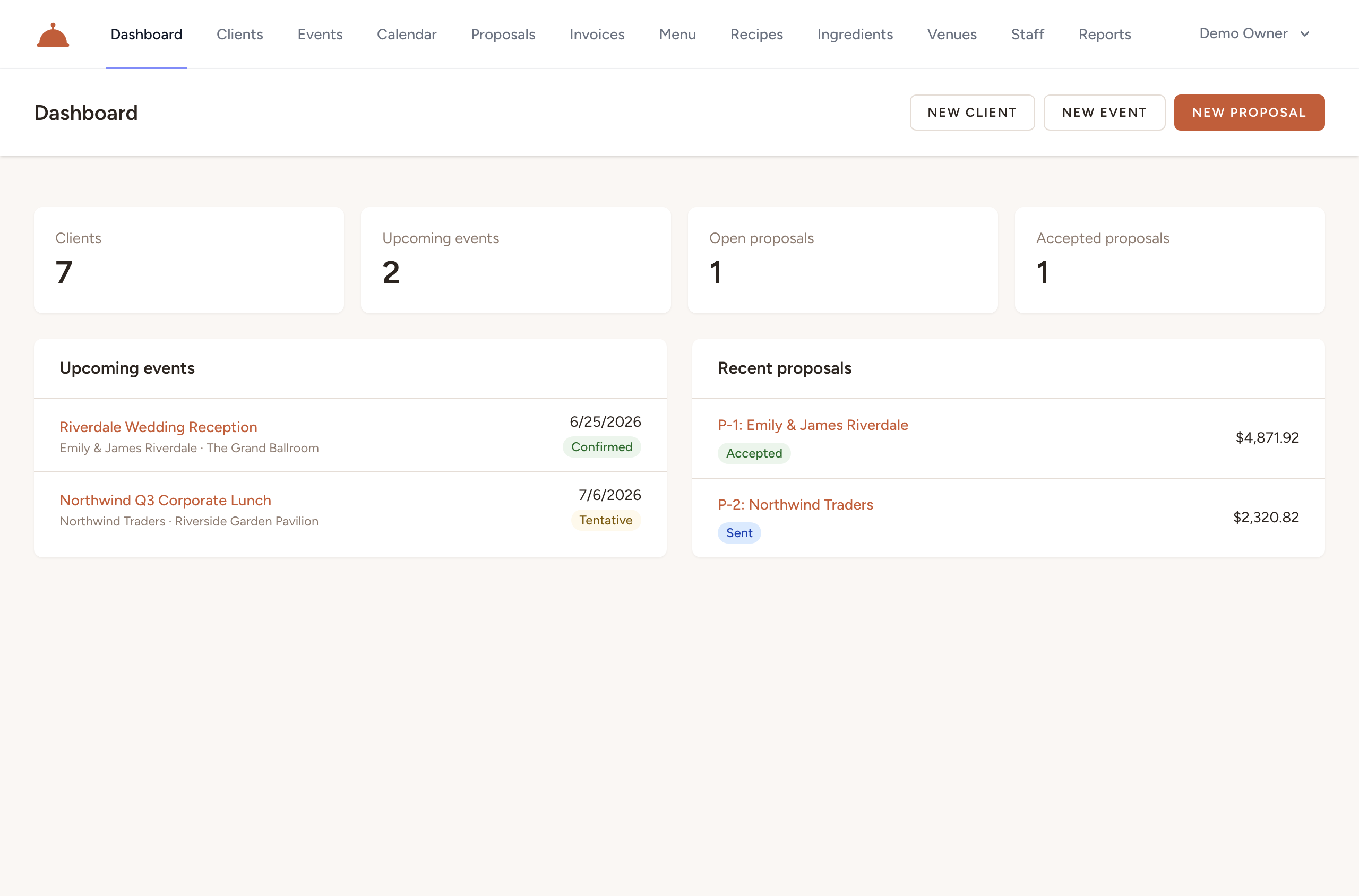
Find your way around
The top navigation links the main sections — Clients, Events, Calendar, Proposals, Invoices, Menu, Recipes, Ingredients, Venues, Staff, and Reports. The dashboard gives you a quick overview to start from.
Your first steps
- Build your menu — your dishes and pricing. It's the source every proposal is built from, so start here.
- Add your clients — the people and organizations you cater for.
- Send your first proposal — assemble it from your menu and send it for the client's acceptance.
What's next?
- Add your venues so you can reuse locations across your events.
- Build your menu to get your first proposal out the door.
Still need help?
Contact us