Build recipes from ingredients
Create your ingredient library, then compose recipes from them with quantities and units.
Last updated May 25, 2026
Add ingredients
Ingredients are the building blocks of every recipe. Before you can compose a recipe, you need at least a few ingredients in your library.
- Open Ingredients from your dashboard and click New ingredient.

- Enter the ingredient name (required).
- Optionally set a category (for example, Proteins, Dairy, or Produce) — this groups the ingredient on the shopping list.
- Optionally pick a default unit from the dropdown. This is the unit pre-selected when you add the ingredient to a recipe, but you can change it per line.
- Save the ingredient.
You can edit or delete any ingredient from the ingredients list at any time.
Compose a recipe
A recipe has a name, a base yield, and a list of ingredient lines. The base yield is the number of servings the listed quantities produce — Catertoo scales everything up or down from there.
- Open Recipes and click New recipe.

- Enter the recipe name.
- Set the base yield — the number of servings your ingredient quantities are written for.
- Optionally link the recipe to a menu item so it is used when that dish appears on an event's accepted proposal.
- Add optional notes for prep instructions or sourcing reminders.
- Add ingredient lines — pick an ingredient, enter a quantity, and choose a unit.
- Save the recipe.
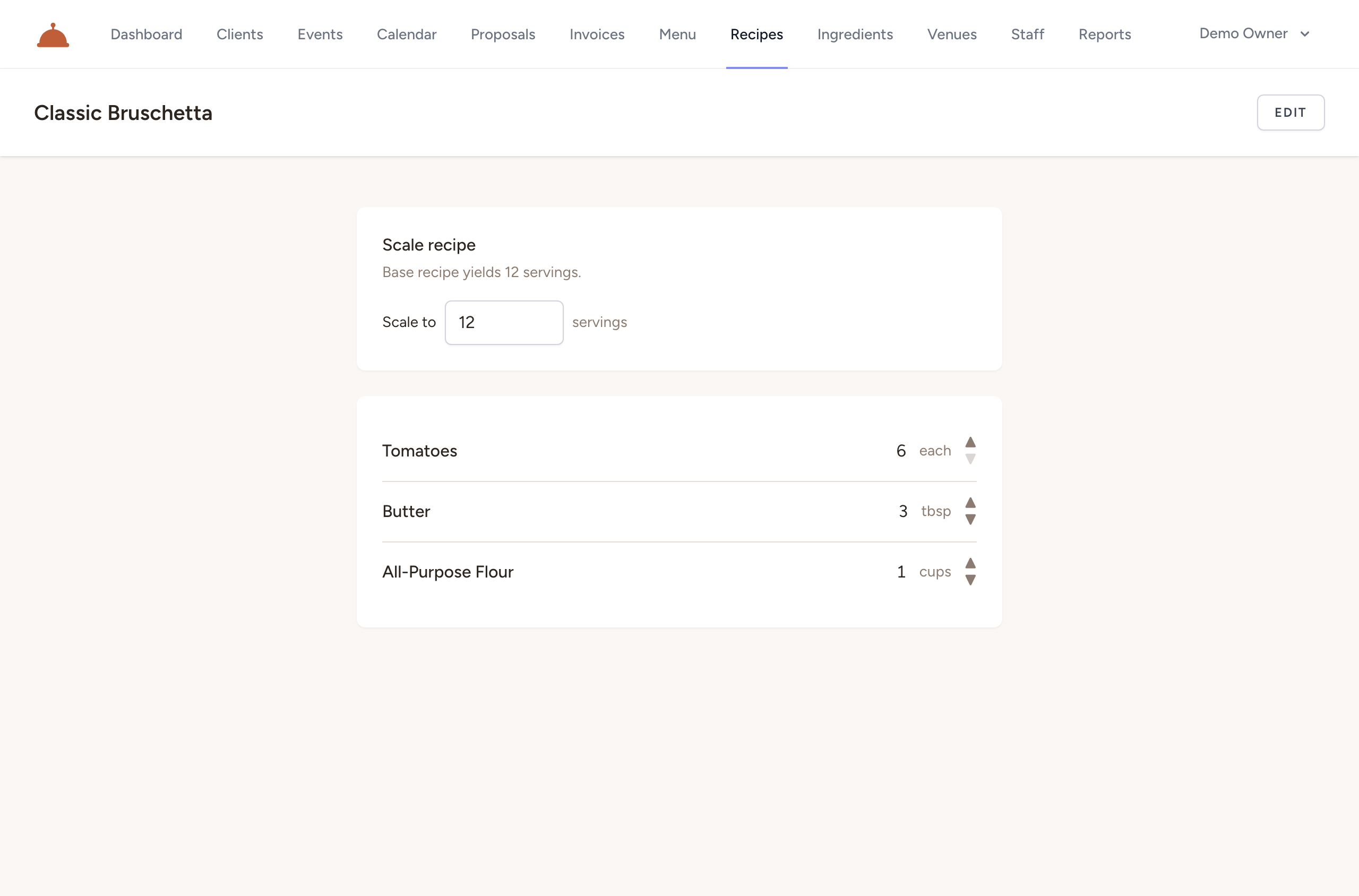
You can add as many lines as you need, and reorder them at any time. On the recipe detail page you can also scale the quantities to any serving count to preview how the amounts adjust.
What's next?
- How units and conversions work — mixing unit systems on recipe lines.
- Generate an event shopping list — roll your recipes into a consolidated purchase list.
- Build your menu — link recipes to menu items so they appear on the shopping list automatically.