Track your revenue
See what you've collected and invoiced over any date range, plus what's still outstanding — all on the revenue report.
Last updated May 25, 2026
Open the revenue report
Open Reports from the navigation bar. The Revenue Dashboard gives you a clear read on the money flowing through your catering business.
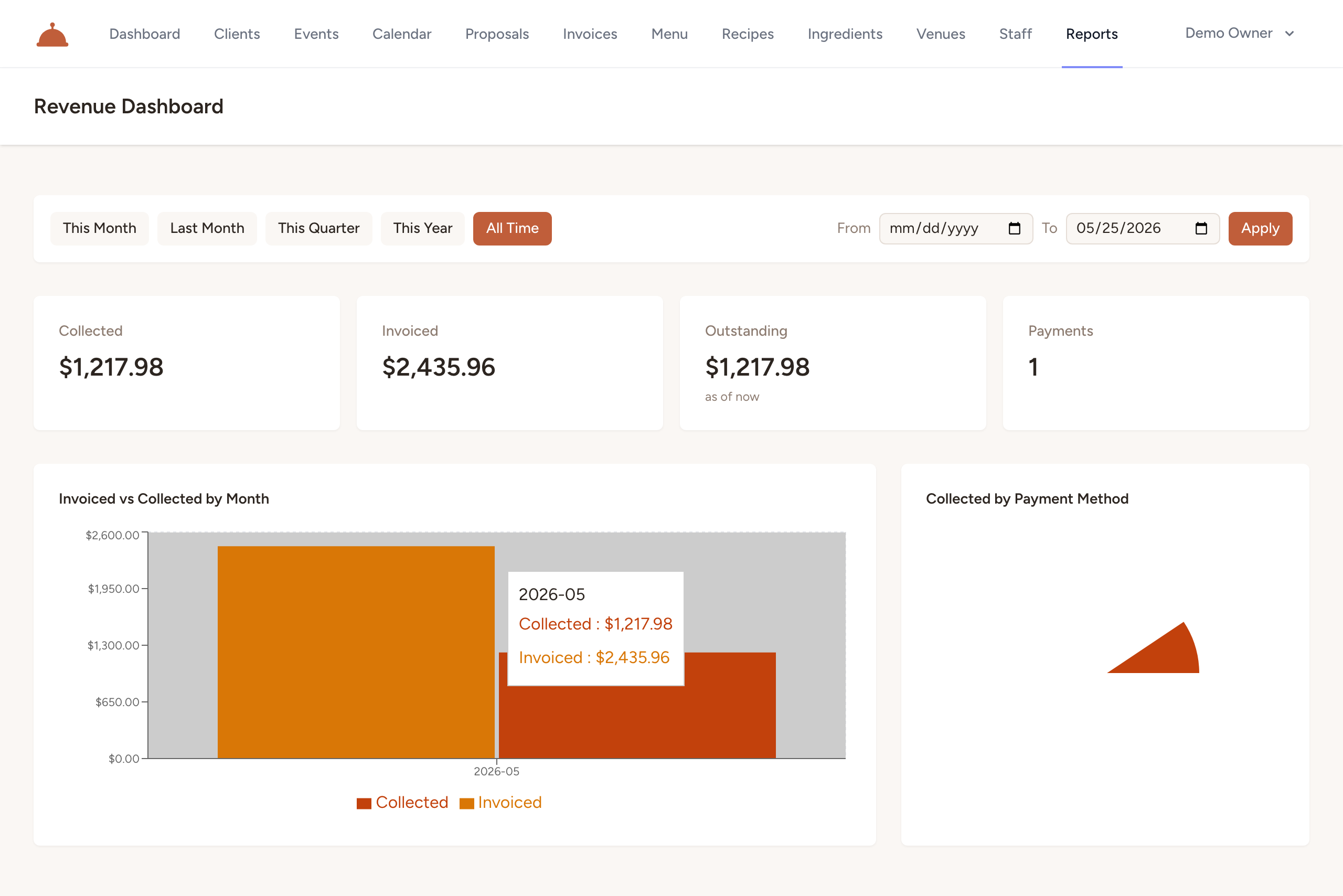
The three figures
The report breaks revenue into three numbers:
- Collected — payments actually received during the selected period.
- Invoiced — the total you billed during the selected period (excluding voided invoices).
- Outstanding — what's currently still owed across your open invoices.
Together they answer the questions that matter: how much came in, how much you billed, and how much is still on the table.
Filter by period
- Pick a preset — This Month, Last Month, This Quarter, This Year, or All Time — to instantly update the collected and invoiced figures.

- Or set a custom span: enter dates in the From and To fields and click Apply.
Outstanding reflects your current open balance rather than a single period, so you always see the full amount still owed.
Revenue over time
The report also shows revenue by month, so you can spot seasonality and track growth across your catering calendar.
What's next?
- Invoice and get paid to keep these numbers moving in the right direction.